hit counter

Written on June 5th, 2007 at 7:44 pm by Avinash

0 Comments

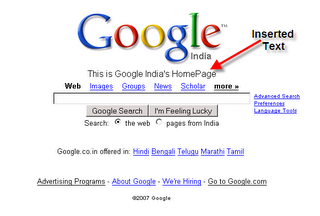
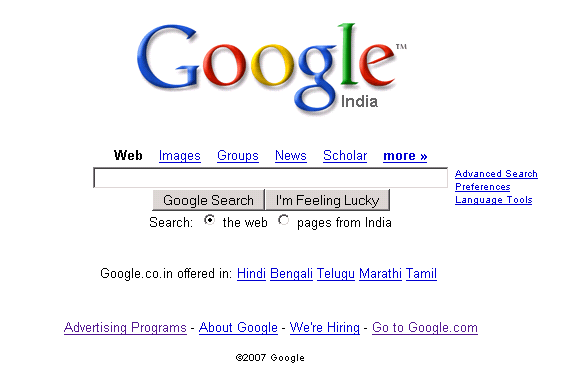
Using this JavaScript trick you can edit a loaded webpage in your browser,though the changes don’t reflect on the original page.So try changing a WebPage using this trick.If you refresh the page, you will get back to the original page. Using this trick you can change image positions,button positions, change text,insert text in the loaded webpage.

Before The Trick
b4r+edit2

After The Trick
aftr+edit2

Click on the images for a larger view.

Enter this code in the address bar and press enter.

javascript: document.body.contentEditable = ‘true’; document.designMode = ‘on’; void 0

Click anywhere in the webpage and you can start your work.

Via — Blogiseverything

Related Posts:

  • Registry Hack : Change Default Image Editor In Windows
  • MS Paint has very little options for editing images and set as Windows default image editor.Whenever you click on "EDIT" in the context menu on
  • SnipShot — FireFox Extension
  • Edit any picture on any webpage with just one right-click, and select Edit in Snipshot and the picture will be brought into the online image
  • How To Install DomTabs On Wordpress
  • Did you ever see tabs something like in the image below and wondering how they got that working.That can be done by using DomTab. It
  • Komodo Edit — Dynamic Language Editor
  • Komodo Edit is a free multi language editor for dynamic languages including Perl, PHP, Python, Ruby and TCL. Browser side languages like JavaScript, CSS, HTML,
  • MAC OS X-Style Menu Using JavaScript For WebSites
  • Mac OS X is know for the dock which has ‘fish-eye’ effect, whereby icons expand and contract as the mouse moves over them.This can be


  • Delicious, Digg, Mixx, Reddit, Stumble Upon, Technorati
    SocialTwist Tell-a-Friend

    Be the first to start a conversation

    Leave a Comment