 Did you ever wanted to have a professional looking logo for your site then LogoEase is the answer. LogoEase is a completely flash based free professional grade logo maker.No Downloads, No Installations required, Completely Flash based just visit the site to start designing your logo.
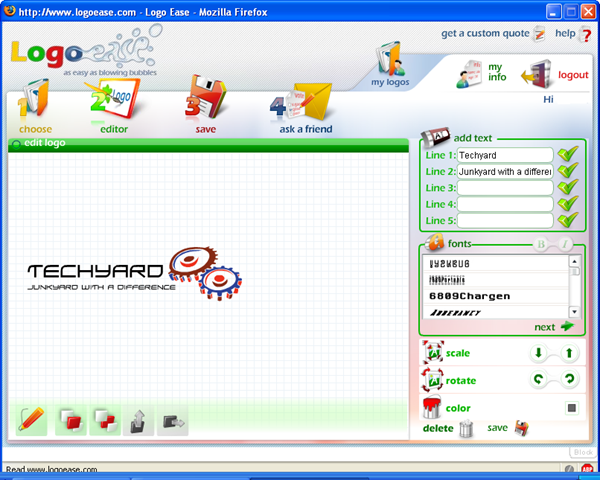
At first, you can choose the logos from its image categories. Add in your own text and color it with colors you like.You can put different color to different part of the template logo. This lets you customize the logo according to your wish.
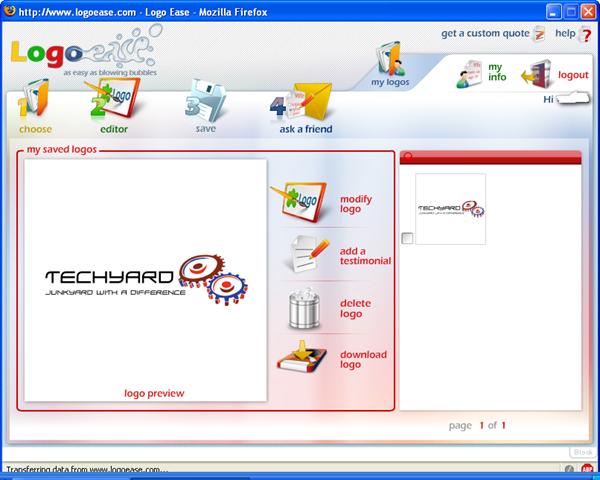
But if you want to download the logo you designed for yourself then you have to sign up which is for free again, where you can save upto 5 logos, download them later.The download links are emailed when you want to download the logos.The download link will start a zip file download which will have your logo in 3 sizes( 275 x 275 , 400 x 400 ,600 x 600 and 3 formats ( jpg,png and tif).
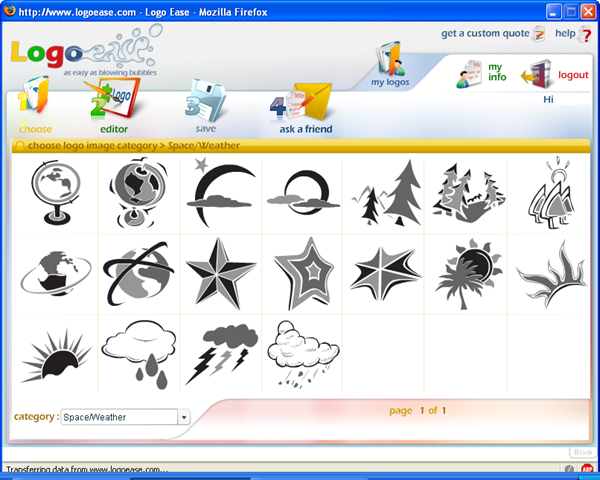
You can start designing your logo by selecting an image from the image category, It has categories like Abstract/Symmetry, Anchor,Animal,Bell, Building/Monument, Celebration,Compass, Crown, Eye, Flower/Tree, Fruit, Gear, History, Household, Medical, Money/saving, Mountain, Music, Religious, Space/Weather, Sport, Transport, Various and Writing.
This is the logo that I designed for my blog

Do you know any other free logo designing site, Do share it with us.
LogoEase — HomePage
to register For LogoEase click here.


