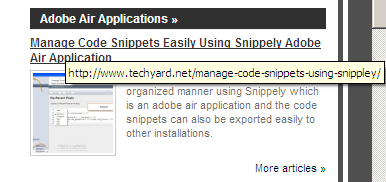
In Firefox or for instance any WebBrowser, on mouse hovering over a hyperlink shows the Alt Text of the URL in the tooptip, and the destination of the URL is shown in the “Status Bar”.You can replace the Alt Text in the ToolTip box with the destination URL, and there by disabling the Status Bar, we can increase the Screen Area.
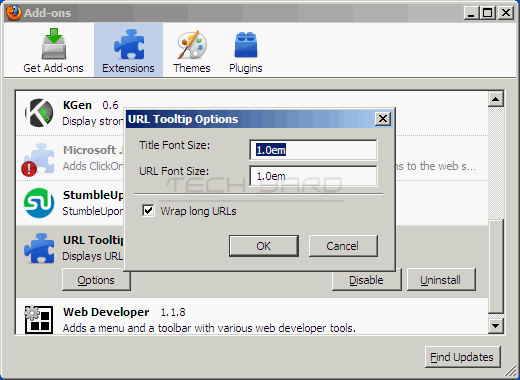
This can be easily done in Firfox using URL ToolTip Firefox Addon.Download the addon, and the next time you can see the destination URL in the tooltip.The URL Tooltip, can also be customized with Font Size, and long URL’s can be wrapped by setting the the values from the addon’s Settings.
My Thoughts about the addon : It would be great if the addon could also expand short URL’s making it easy to know about the destination URL.The addon works with Firefox 3.0+
Download URL Tooltip Addon.


