hit counter

Written on November 19th, 2008 at 8:45 pm by Avinash

0 Comments

Did you have to keep your WP blog in offline mode, but generally “Page Cannot Be Found” is what would greet them.Now you can show a custom splash screen to your visitors with a timer to tell how long the site is down. User can customize their own splash screen or get a list of splash screen from author’s site.
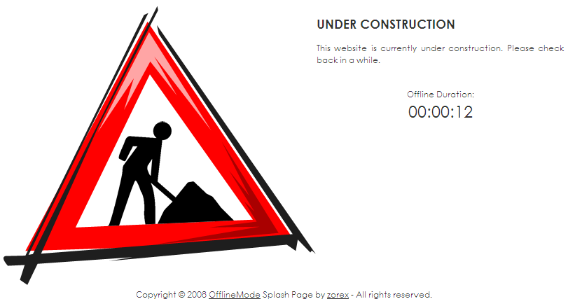
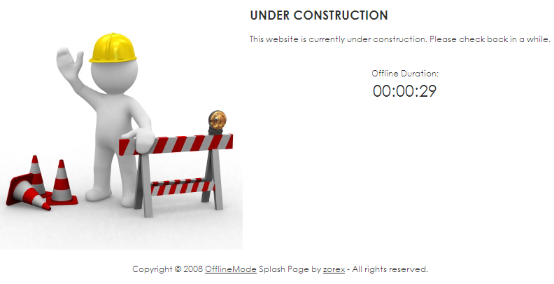
offlinemode1 offlinemode2

const_small

Install the plugin as any other plugin, to put your WP blog in Offline Mode just goto Setting –> Offline Mode Settings –> Check “Enable Offline Mode” and select a splash screen, If feel it would an even greater plugin if we could upload our own images to be used in the splash screens.

offlinemode-settings

The plugin is Compatible up to: 2.6.3 and works with WP 2.3.1 or higher.

Offline Mode Plugin : DownloadHomepage

Related Posts:

  • Have Your Wordpress Blog In Maintenance Mode
  • Migrating from hosting providers or maintenance tasks that require leaving the blog in stand-by, so that visitors could not comment on or add data in
  • Twitter Phishing Alert
  • A Phising attack has been observed which is being carried out by sending out a direct message to users, reading: “check out this funny blog
  • Add 125 x 125 AdSpots To Your Wordpress Themes
  • If you are using a wigitized wordpress theme that does not have the 125 x 125 Ad Spots in the sidebar, and you want to
  • 7 Hours And 100 Training Video’s On How To Use Blogger
  • Josh Sommers Of Recognized Expert has put a collection of 100 Videos that span over 7 Hours that teach how to use Blogger from
  • Show Your PageRank In Your Blog
  • You can display the pagerank of your blog or website on your website using BlogFlux Pagerank Checker Service.You can display your pagerank on every page


  • Delicious, Digg, Mixx, Reddit, Stumble Upon, Technorati
    SocialTwist Tell-a-Friend

    Be the first to start a conversation

    Leave a Comment